Shortcuts Automation
Trigger syncs via the iOS Shortcuts app on any schedule you choose. Set it once, run automatically every day.
Health Webhook reads from Apple HealthKit and forwards your data to any webhook URL, automatically, privately, on your schedule.
Free to download. Pro subscription or lifetime purchase unlocks full sync. 3-day free trial.
Requires iPhone · iOS 17+ · Apple Watch optional
Trigger syncs via the iOS Shortcuts app on any schedule you choose. Set it once, run automatically every day.
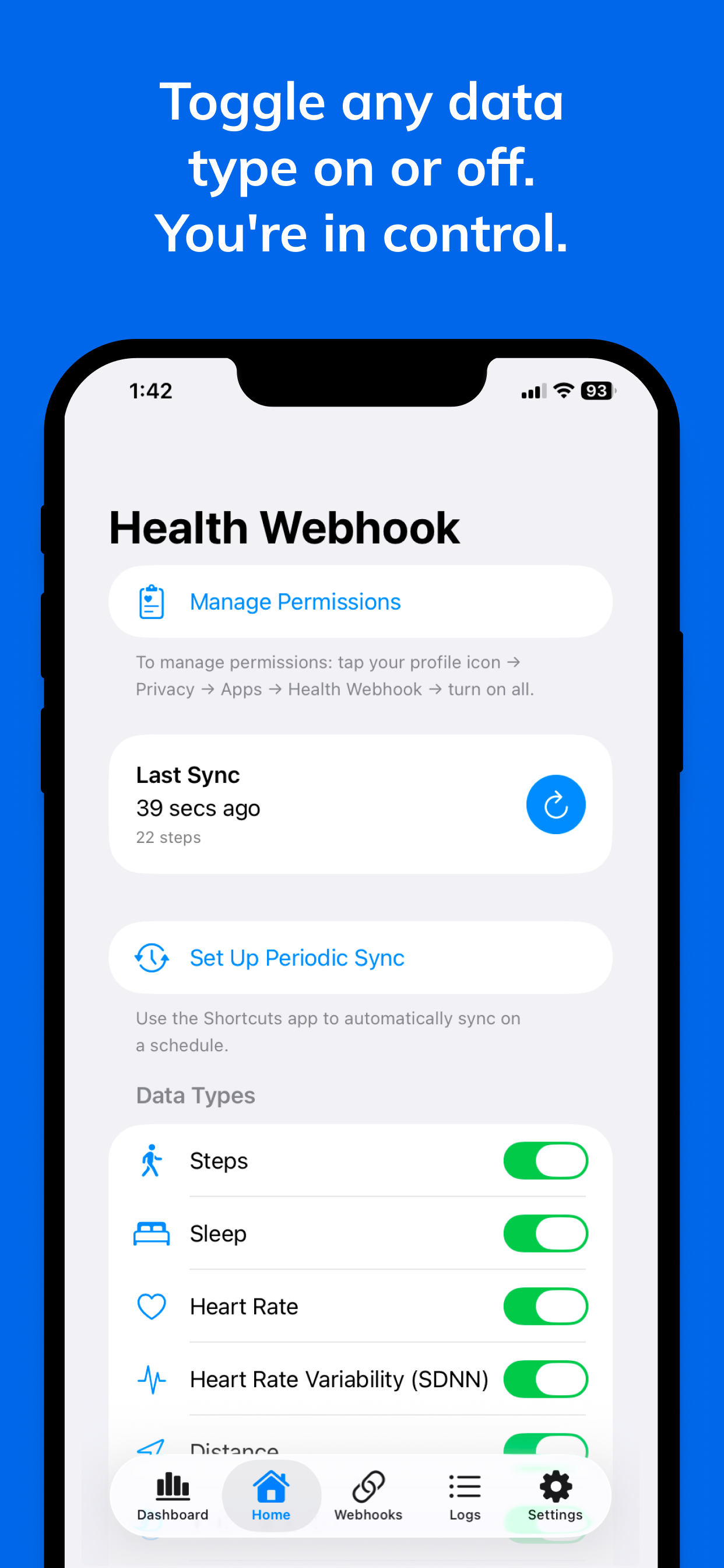
Steps, sleep, heart rate, blood pressure, VO2 Max, workouts, and 16 more. Select exactly what you want to forward.
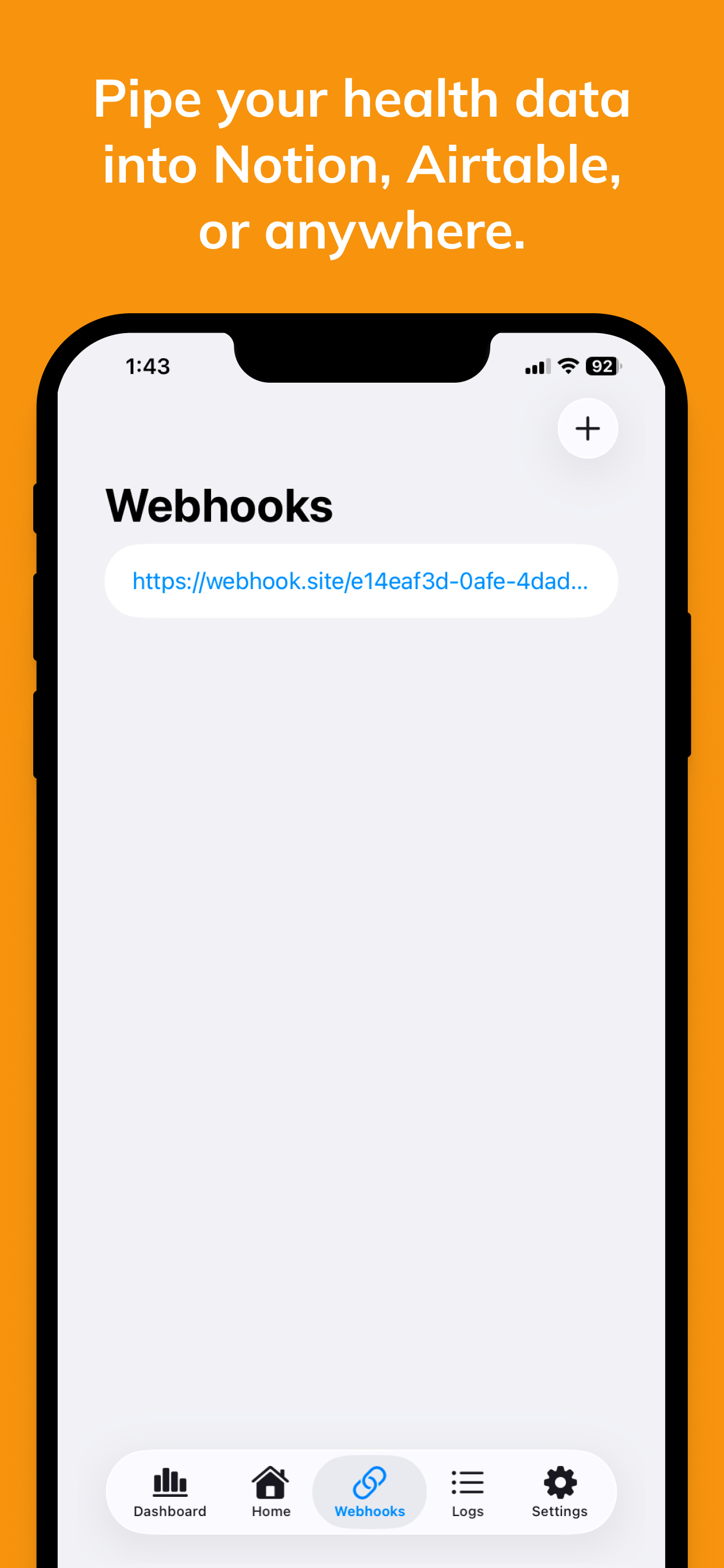
Fan out to multiple endpoints simultaneously. n8n, Home Assistant, custom APIs — all in one sync.
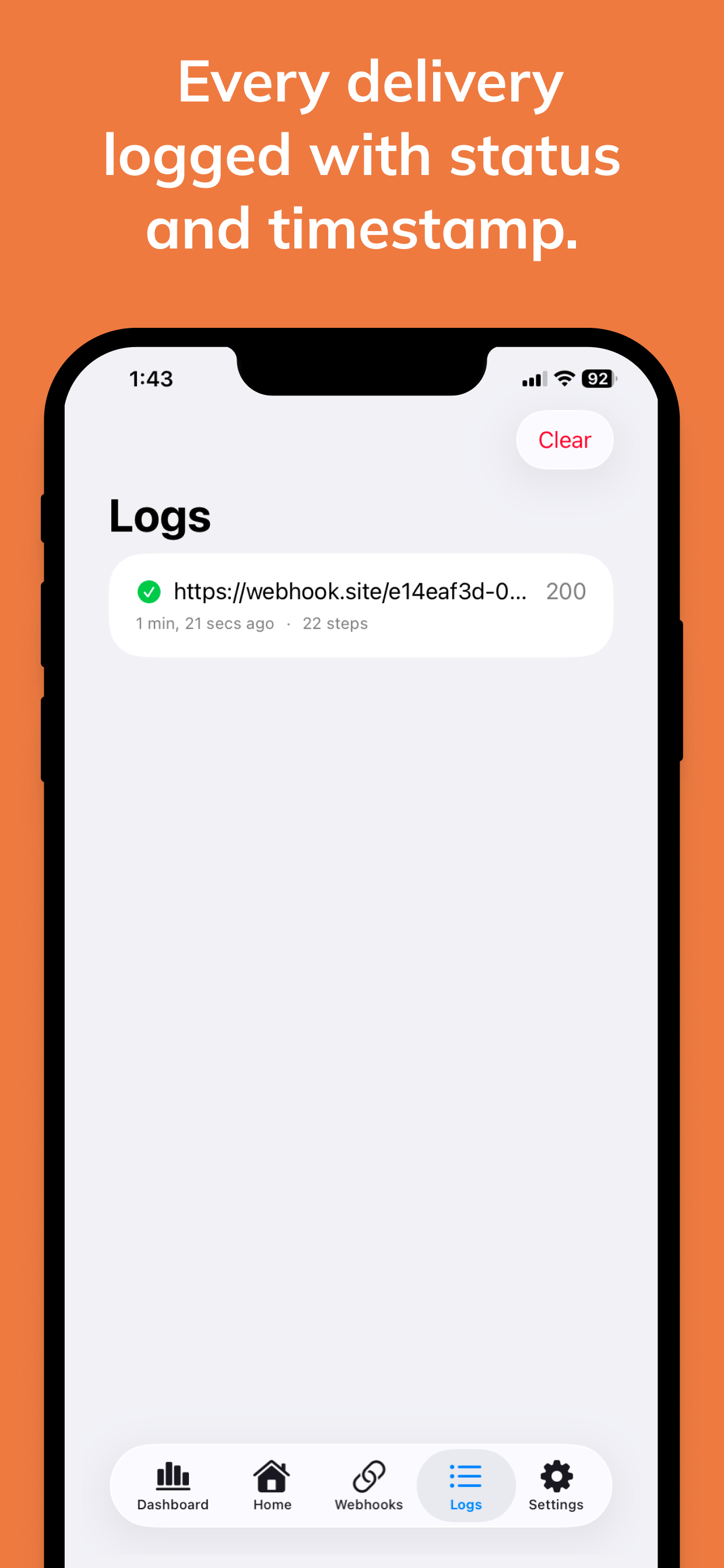
Full request/response logs with status codes. Debug your integrations without guessing.
No third-party servers. No analytics. No ads. Your health data goes only where you tell it.
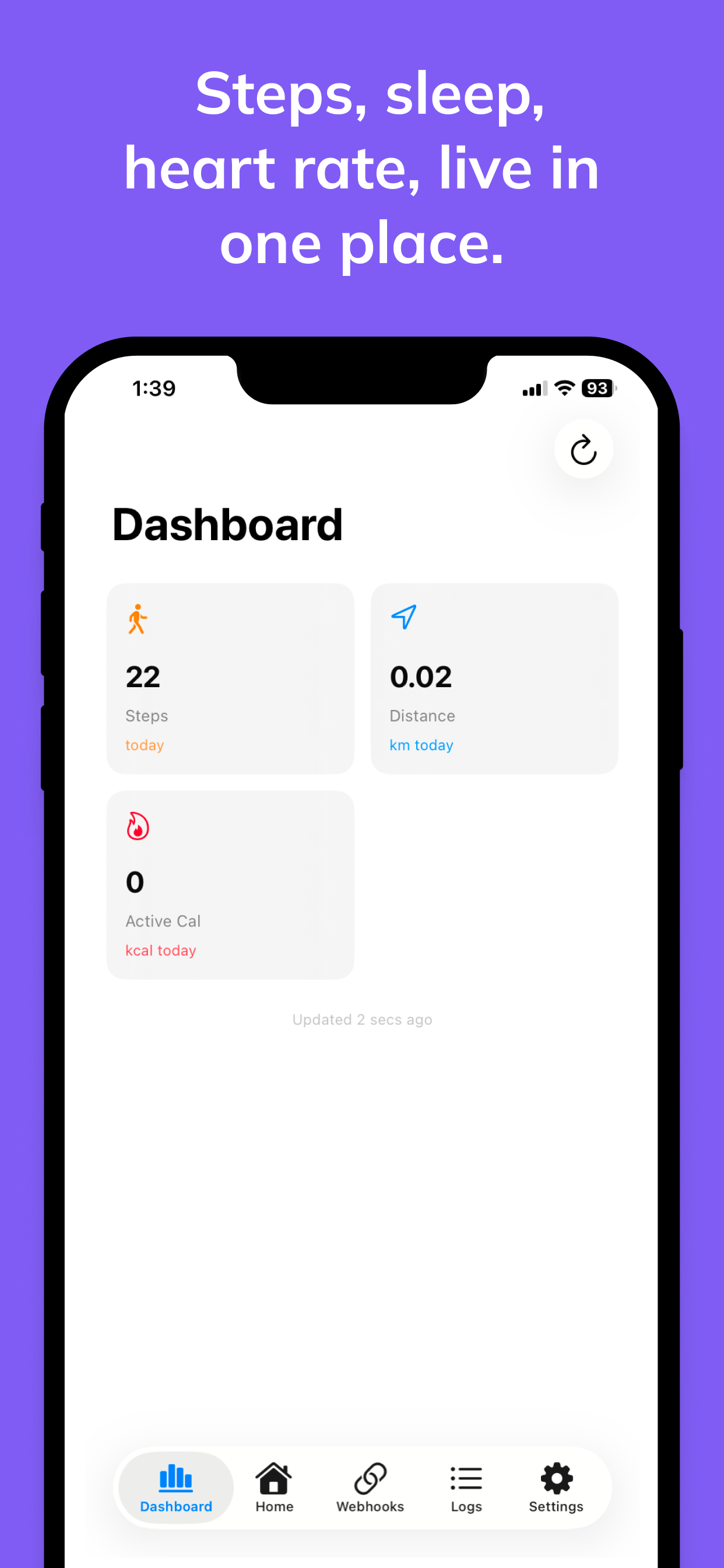
See all your latest health metrics at a glance — steps, sleep, heart rate, and more — right inside the app.
A guided onboarding walks you through granting Apple Health permissions. Pick only the data types you want to share.
Paste your endpoint URLs. Home Assistant, n8n, custom APIs — add as many as you need, with optional custom headers.
Open the Shortcuts app, create a time trigger, and add the "Sync Health Data" action. Done — your data flows automatically.
Health Webhook never touches your data. No third-party servers, no cloud sync, no analytics. Health data stays on your device until you forward it to your own webhook.
No account required. Free to download; full features need Health Webhook Pro ($6.99/month with 3-day free trial, or $39.99 lifetime).